
Production Artwork Services for Print Shops
Keep problem artwork from slowing down production.
ArtworkRelay reviews the source file and production requirements, routes the job to the right production-art path, and puts the output through Human QA before release.
✓ Production-bound jobs, not generic conversion
✓ Human classification and fixed quote before paid work
✓ Reconstruction, screen print, separation and DTF/DTG routes
✓ Human QA before release
Production-bound source review
Eligibility & route classification
Fixed quote before paid work
Human release gate
Missing info is clarified, not guessed
Two Production Groups, One Controlled Workflow
Choose the production-art route that matches the real job. Every route still begins with source review and ends with Human QA.
Source Repair & Screen Print
For problem source files and broader screen-print production-art support.

Production Artwork Reconstruction
Low-resolution, flattened or damaged source rebuilt for the defined production use.
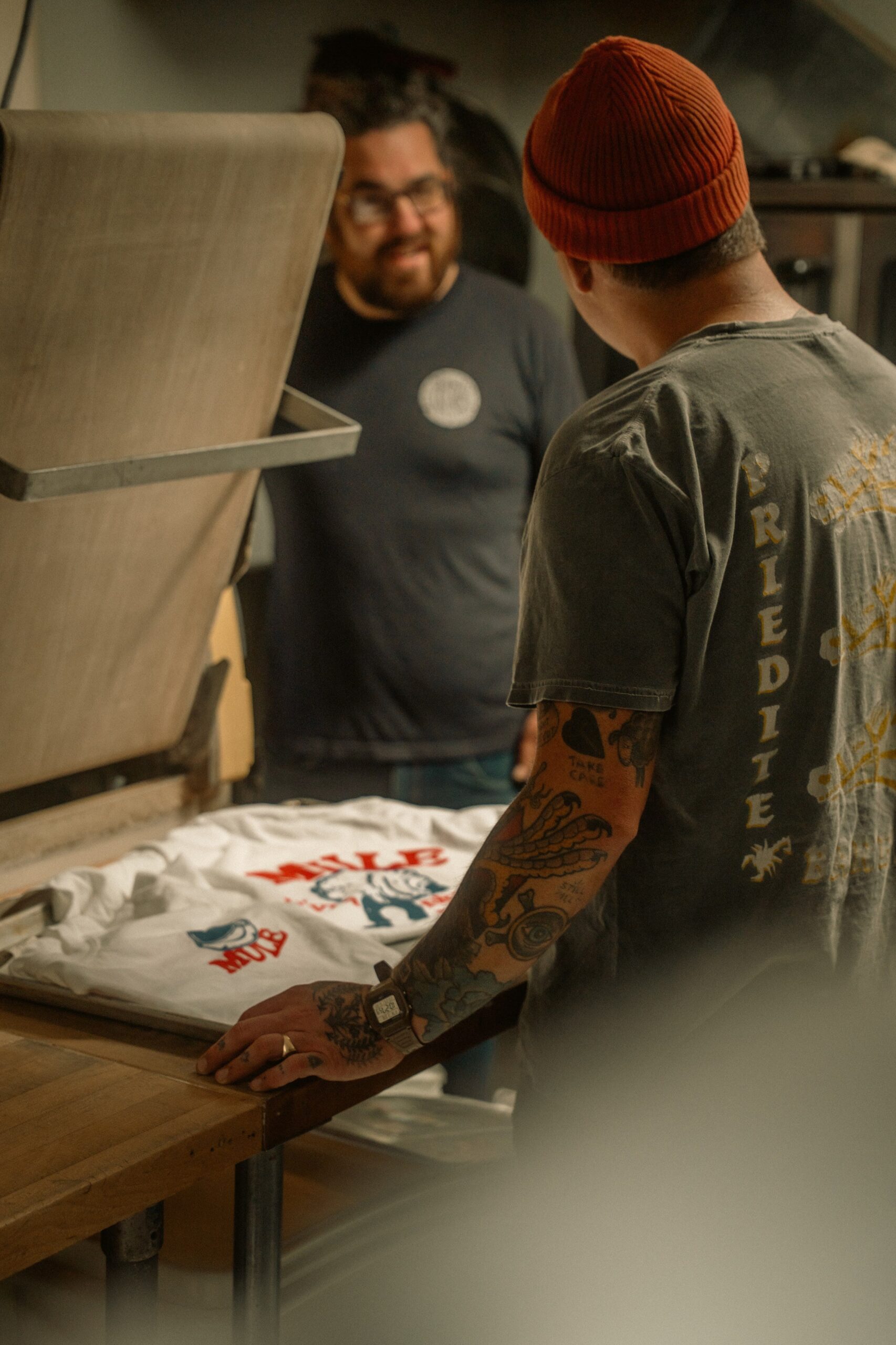
Screen Print Production Art
Production sizing, cleanup, color organization, proof prep and related print-art work.
Separation & Digital Print Prep
For jobs whose main need is dedicated color separation or DTF/DTG production preparation.

Screen Print Color Separation
Dedicated separation work when separation is the main production transaction.
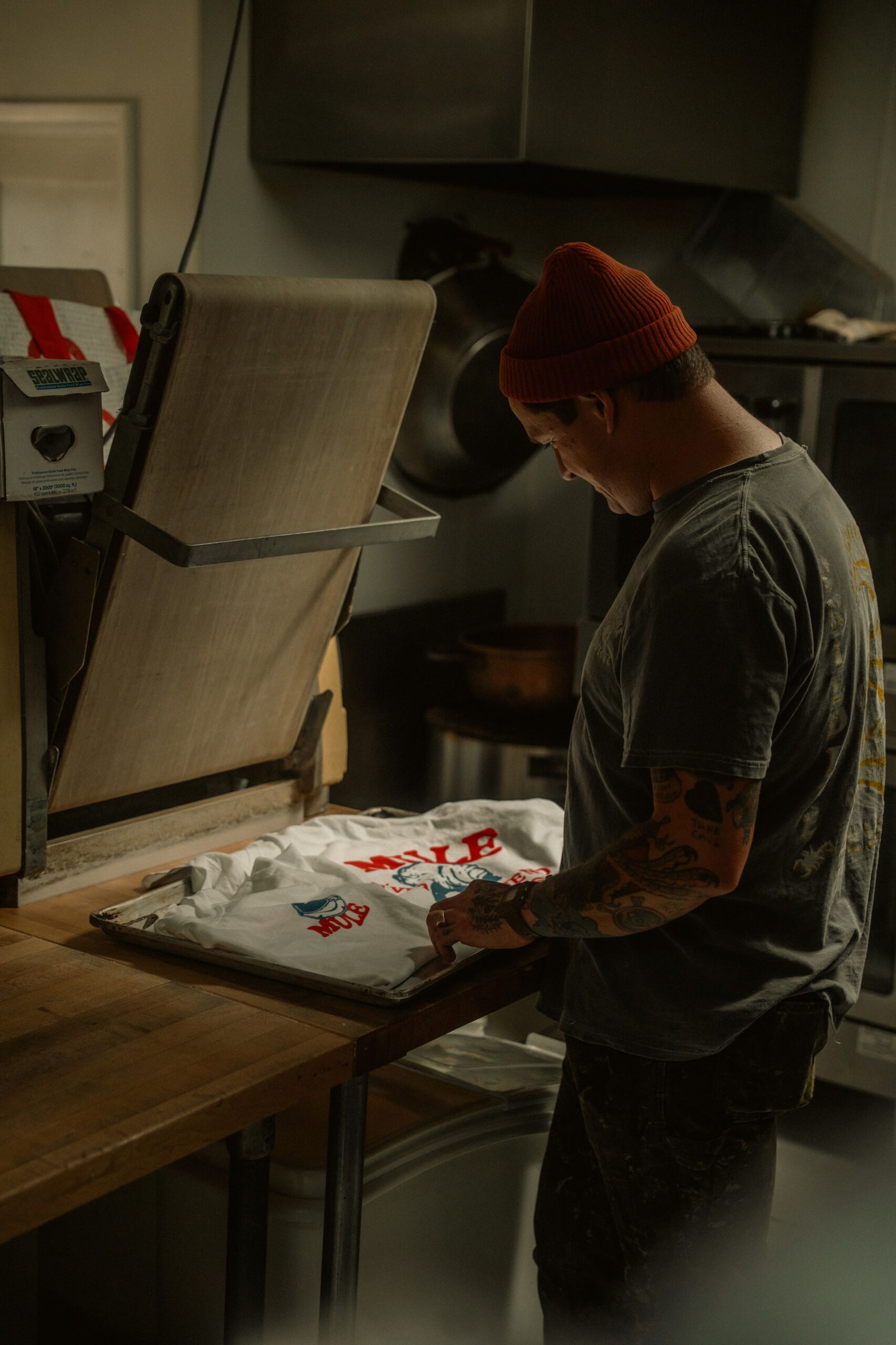
DTF / DTG Production Prep
Route-specific prep around size, resolution, transparency, edges and production output.
The File Has to Work for the Real Production Job
ArtworkRelay does not start with “make this vector.” We start with the downstream production method, the source condition, the required output, and the shop rules that determine whether the artwork is usable.
- Clarify the production method and intended use
- Identify missing size, color, transparency or process requirements
- Route the job to reconstruction, production art, separation or DTF/DTG prep
- Release only after Human QA against the agreed brief
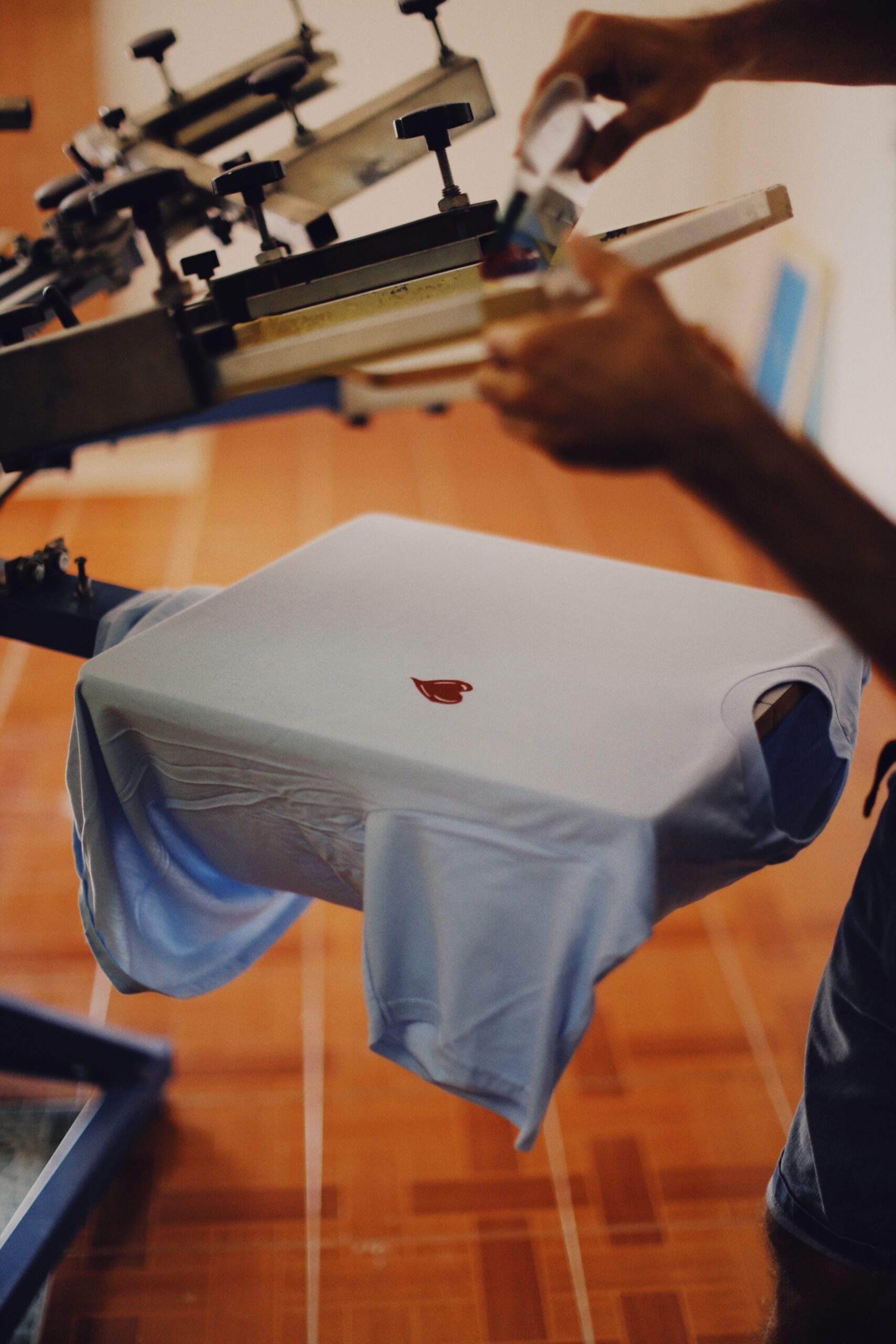
Common Production Problems We Route
A file can look acceptable on screen and still create extra work or risk in production.

Low-resolution or screenshot source
No usable production master or insufficient source quality.

Flattened or damaged structure
The file opens, but the organization the job needs is missing.

Unclear color / separation logic
Color, layer, underbase or separation structure needs production review.

AI-generated artwork
Looks finished, but lettering, edges, detail or transparency may not survive the process.

Screen-print production art
The source needs broader production sizing, organization, proof prep or routing.

DTF / DTG prep
Final size, resolution, transparency, edge or output requirements need process-specific prep.
Fixed Quote After File Review
The exact scope depends on the real file, production method and shop rules. We review the input first, then give one clear quote before paid work starts.
Production Artwork Reconstruction
When the source itself is the blocker.
01✓ Low-resolution or flattened source
✓ Rebuilt for the defined production use
✓ Human review before release
Screen Print Production Art
Broader production-art support around a real screen-print job.
02✓ Production sizing and cleanup
✓ Color organization and proof prep
✓ Shop rules drive the output
Color Separation
When separation itself is the specialist job.
03✓ Dedicated screen-print separation route
✓ Production-specific color structure
✓ Review against the brief
DTF / DTG Production Prep
Process-specific preparation for digital garment printing.
04✓ Size, resolution and transparency
✓ Edge, halo and output review
✓ Human QA before delivery
Use the managed Production Art Desk route when the need spans multiple jobs.
Why the Workflow Is Controlled

Human review of artwork, color and production intent.
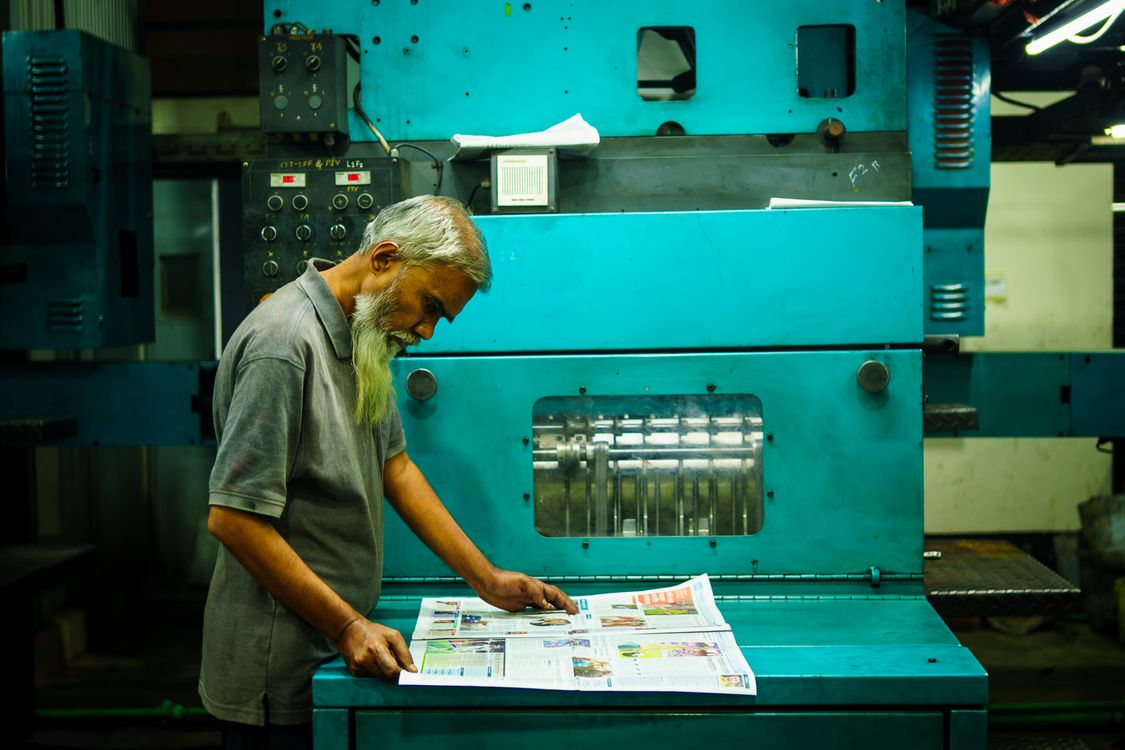
Production-side output check before release.
Production-bound scope
The commercial work must be tied to a defined downstream production use.
Human classification
A person decides whether the job belongs here and which route owns it.
Missing info creates a hold
We clarify the production target instead of guessing through material requirements.
Human QA is the release gate
Contributor or machine-assisted output does not bypass release control.
× Guessing Through the Job
× Start from the requested file format only
× Assume missing size, color or material rules
× Use one generic cleanup path for every job
× Release without a production-specific review
✓ ArtworkRelay Controlled Workflow
✓ Start from the real production method
✓ Clarify missing production information
✓ Route the job to the correct production-art path
✓ Release only after Human QA against the agreed brief
Proof Should Match the Production Job
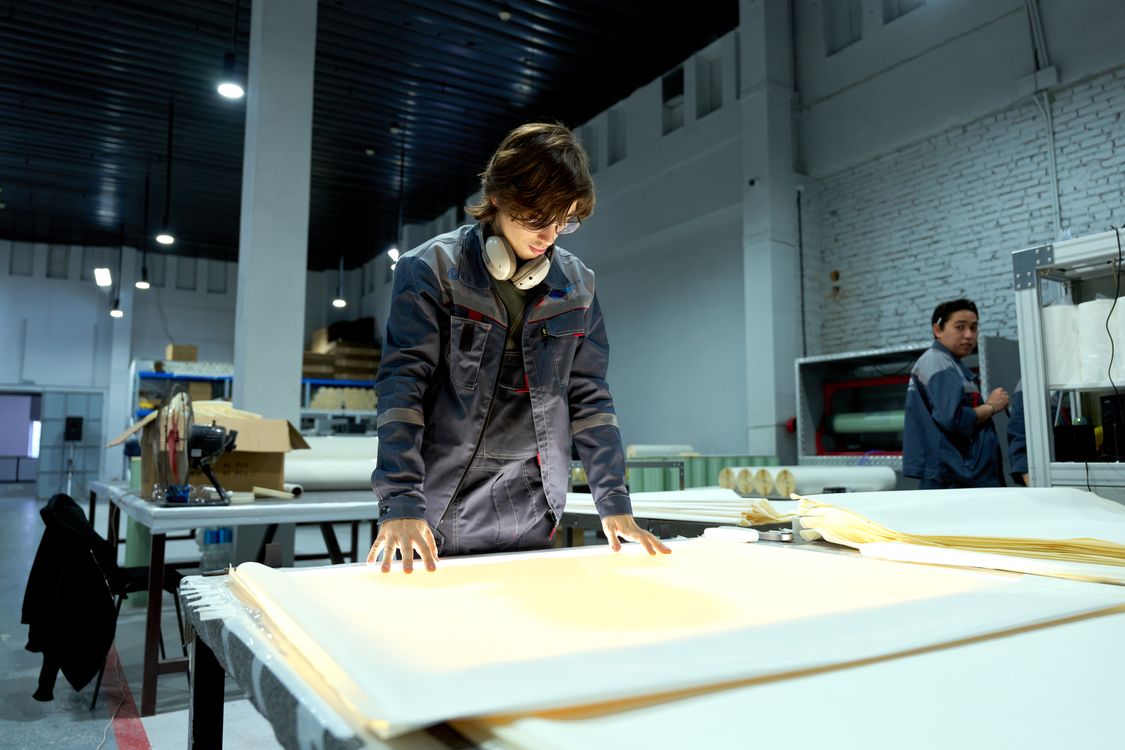
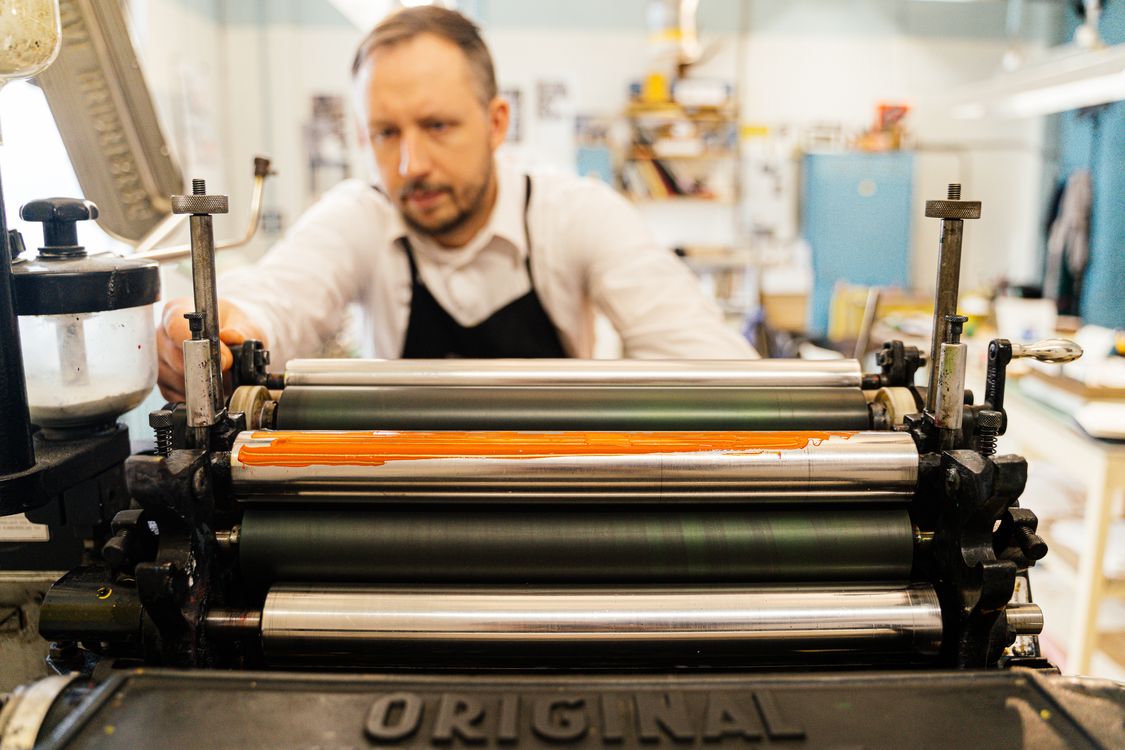
Customer proof is only useful when it traces a real production job from the original problem through release. ArtworkRelay does not present internal calibration material as a customer success story.
A credible proof record should show
01 · Original production problem
02 · Supplied production requirements
03 · Production-art output
04 · QA / release record
05 · Downstream outcome actually observed
Until authorized customer proof exists, the cleanest evaluation is to put one of your own production-bound files through the controlled workflow.
How It Works
A straightforward buyer-facing path from source intake to Human QA and delivery.
Send source
Upload the best artwork available plus the production requirements.
Human review
We confirm eligibility and classify the correct route.
Scope & quote
Missing production information is clarified before paid work.
Production art
The job is executed against the approved brief.
QA & delivery
Human QA checks the agreed output before release.
Test One Real Production File
Send the best source you have plus the production method, final size, required output and the shop rules that determine whether the artwork is usable.
The test is for one qualified production-bound job, not a generic free redraw or vector-conversion request.